



 Svenska
 Dansk
Dansk
 Norsk
Norsk
 Suomi
Suomi
 Eesti
Eesti
 Latviešu
 Lietuvių
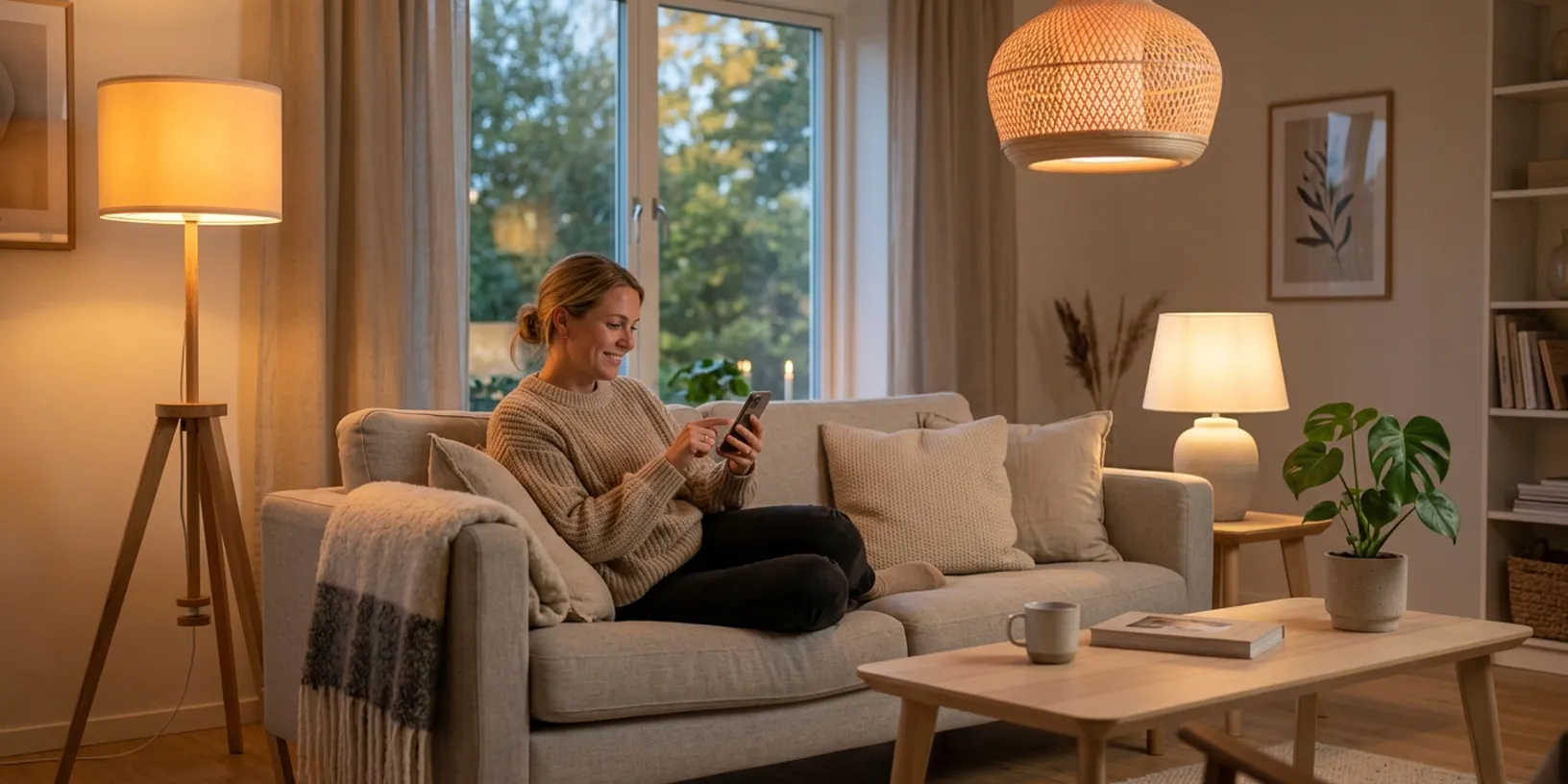
Do I need a hub for smart lights?
No, not if you choose smart lighting without a hub. Modern WiFi lights connect directly to your home WiFi and are controlled from your phone. That means you can skip extra boxes, bridges, and gateway solutions. For most people who want to start with app-controlled lights in the living room, bedroom, kitchen, or patio, a hub-free solution is the easiest choice.
A hub can still be relevant if you are building a larger smart home with many sensors, advanced automations, or Zigbee products. But if you want to get started quickly with smart lighting, dimming, color control, and scheduling, WiFi lights without a bridge go a long way.
What does smart lighting without a hub mean?
If a light works without a hub, it means it does not need a separate control box between the bulb and the router. You screw in the bulb, open the app, follow the instructions, and connect it directly to your WiFi. After that, you can turn it on, turn it off, dim it, change the color temperature, and create schedules straight from your phone.
Many app-controlled lights use platforms like Tuya or similar solutions, which makes it easy to group several lights in the same app. That is especially useful if you want to start small with an E27 bulb in the living room and later expand with E14, GU10, LED strips, or a smart string light without a hub.
WiFi, Zigbee, and Matter - what's the difference?
WiFi lights connect directly to your wireless network and normally do not require an extra hub. Zigbee lights use their own smart home network and usually need a bridge or gateway. Matter, however, is not a lamp type of its own, but a modern standard that makes it easier for products from different brands to work together in ecosystems such as Google Home, Apple Home, and Amazon Alexa. In 2026, Matter is important to know about, but for beginners, WiFi without a hub is still the easiest way to get started.
Four benefits of smart lights without a hub
1. Fast installation
You do not need a technician or extra hardware. In many cases, the light is ready in just a few minutes.
2. Lower starting cost
Since you do not need to buy a bridge, your first purchase is cheaper. That makes WiFi-controlled smart lights perfect if you want to try smart lighting without a major investment.
3. Flexible placement at home
The lights work wherever your WiFi reaches. That makes them easy to use in bedrooms, living rooms, hallways, home offices, sunrooms, or on balconies.
4. Automatic updates
App-controlled lights can receive software updates over the network, such as improved stability, new features, or updated color modes.
Quick comparison: WiFi vs Zigbee vs Matter
| Solution | Requires a hub? | Best for | Benefit | Drawback |
|---|---|---|---|---|
| WiFi lights without a hub | No | First smart lighting setup | Simple installation and low starting cost | Requires stable WiFi |
| Zigbee lights | Usually yes | Larger smart homes | Stable mesh network | Requires bridge/gateway |
| Matter-compatible lights | Depends on the technology | Mixed ecosystems | Better compatibility between brands | May require a controller or Thread router |
Which smart light should I choose?
For most homes, it is wise to start with WiFi-controlled smart lights. First, choose the right base: smart E27 for standard ceiling and floor lamps, E14 for smaller fixtures, and GU10 for spotlights. If you want to create atmosphere on the balcony, patio, or in the living room, a smart string light without a hub can be an easy next step.
Also look for RGB+CCT if you want to combine millions of colors with adjustable white light. That makes the light more flexible: cooler light when you work, warmer light in the evening, and colored light when you want to create a certain mood.
FAQ
Do smart lights without a hub work with Google Assistant and Alexa?
Yes, many WiFi lights work with both Google Assistant and Amazon Alexa. You usually link the light's app to the voice assistant and can then control the lighting with voice commands.
Are WiFi lights worse than Zigbee lights?
Not necessarily. WiFi lights are easier and cheaper to get started with. Zigbee is a better fit if you are planning a very large smart home with many devices.
Do I need Matter for smart lighting in 2026?
No, not to get started. Matter is mainly important if you want to mix products from several ecosystems and future-proof your smart home.
Can I start with one light and expand later?
Yes. That is one of the major advantages of smart lights without a hub. You can start with a single light and then add more rooms, bases, and light sources at your own pace.
Get started easily
Smart lighting without a hub is the best choice if you want simple installation, low starting cost, and full control through the app. Start with one or two lights in the rooms where you notice the biggest difference, such as the living room, bedroom, or hallway. Feel free to browse our full range of smart lights without a hub and choose the model that suits your home best.